This is a real-time chat application with two main pieces: a Python web server (Flask + Socket.IO) that handles the UI and messaging, and a Redis database for fast message storage. For the app to work, both services need to be running and talking to each other.
I’m using a demo project originally created by Redis. You can find the original here. My goal is to take this project and implement a full DevOps workflow around it.
Before we jump into Docker, Kubernetes, and automated pipelines, we are going to run our application manually. As a DevOps engineer, my goal is to automate the process, but I can’t automate what I don’t understand.
We’re going to set up the chat application the “old-fashioned” way. This will quickly show us all the problems and pain points that Docker is designed to solve in the Part 2 of this series.
Step 1: Install and Run the Database (Redis)
First, our application needs its database. The app is written to connect to a Redis server, so we need one running locally.
We’re installing Redis directly onto our operating system. This is a “global” installation.
On macOS (using Homebrew):
# Install the Redis serverbrew install redis
# Start the Redis service in the backgroundbrew services start redisOn Linux (using apt):
# Install the Redis serversudo apt updatesudo apt install redis-server
# The service usually starts automatically. If not:sudo systemctl start redis-server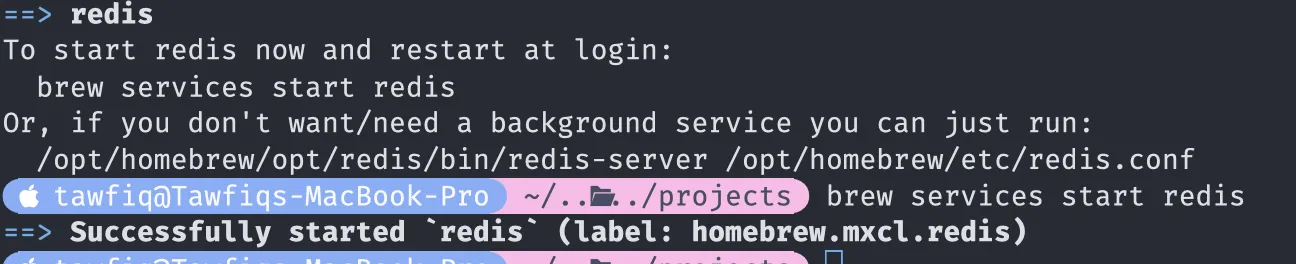
Why are we doing this? At this point, you have a Redis database running on your machine. By default, it listens for connections on localhost, port 6379. You can test this by running redis-cli ping, and it should reply PONG.
Step 2: Set Up the Python Application
Now we’ll set up the web application. We can’t just run python app.py because our system doesn’t have the libraries it needs (Flask, Redis, etc.).
We need to create a virtual environment. This is a Python concept that creates an isolated “bubble” for our project’s dependencies, so we don’t mess up our global Python installation.
- Clone the code:
git clone https://github.com/wegoagain-dev/redis-chat-app-python.gitcd redis-chat-app-python
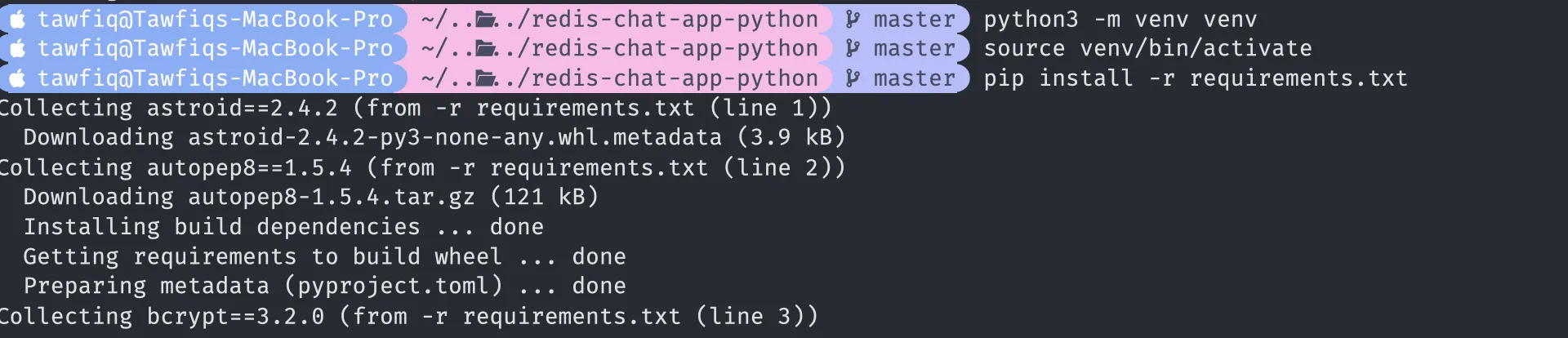
- Create the virtual environment:
python3 -m venv venv(This creates a new hidden folder named venv.)
- Activate the virtual environment:
# On macOS/Linux source venv/bin/activate(Your terminal prompt may change to show venv)
- Install the dependencies:
pip install -r requirements.txt(This reads the requirements.txt file and installs Flask and the redis-py library inside your venv bubble.)
Step 3: Time to Run the App
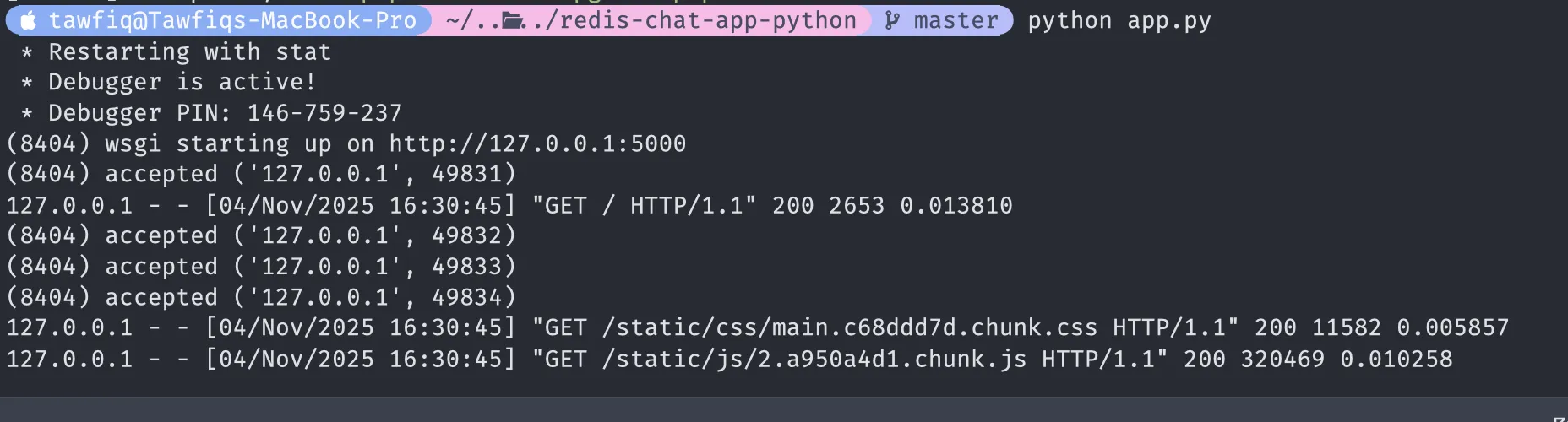
With everything setup now, let’s run the app.
python app.py”The First Wall I Hit: The ‘Greenlet’ Error.”

This error happened because I was using Python 3.13 on my mac (it may run fine for you).
The solution is to not use Python 3.13 for this project. The most common and stable versions for deployment and tutorials are 3.11, 3.10, or 3.9.
When I tried to run the app locally, I hit a massive wall of C-compilation errors. My Mac was running the latest Python 3.13, but the app’s dependencies weren’t compatible. This is a classic ‘dependency hell’ problem that ruins projects.
“This is the exact problem Docker solves.” (You will see soon)
Fix:
What I did was Install python 3.9 using brew install python@3.9

- Then ran
deactivateso we can delete the old virtual environment. - We will now run
python3.9 -m venv venvto start our virtual environment in python3.9 and then do same steps as above source venv/bin/activateandpip install -r requirements.txt.
Now lets run python app.py and we should be all good
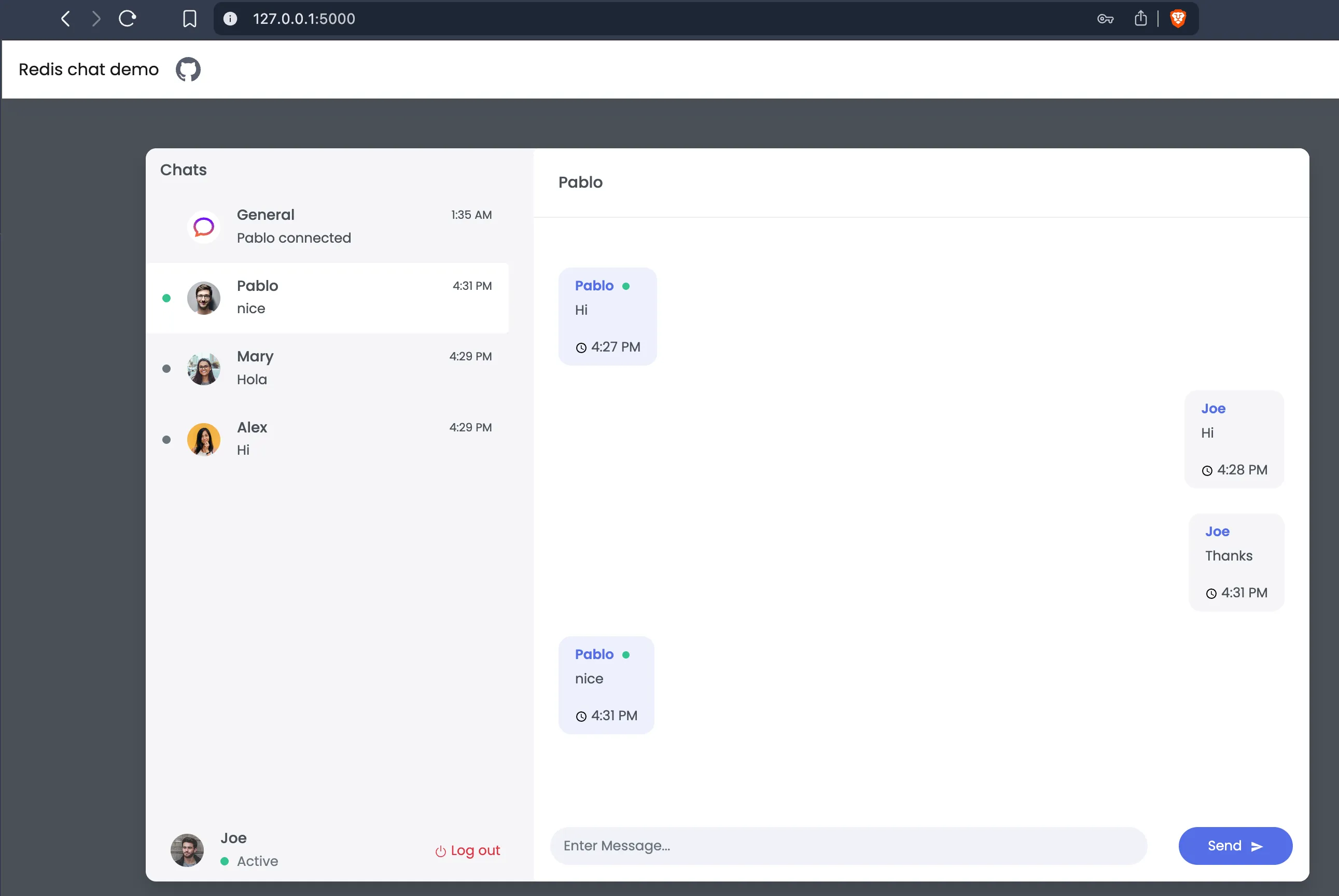
Your terminal will show the app is running. Now, flask runs on default port 5000 so i was able to access on http://127.0.0.1:5000 on my browser.
You can duplicate the tab after running this in the browser and simply login as a different user! Then message each other and you’ll see it being reflected and the messages pulling through!
Congratulations!
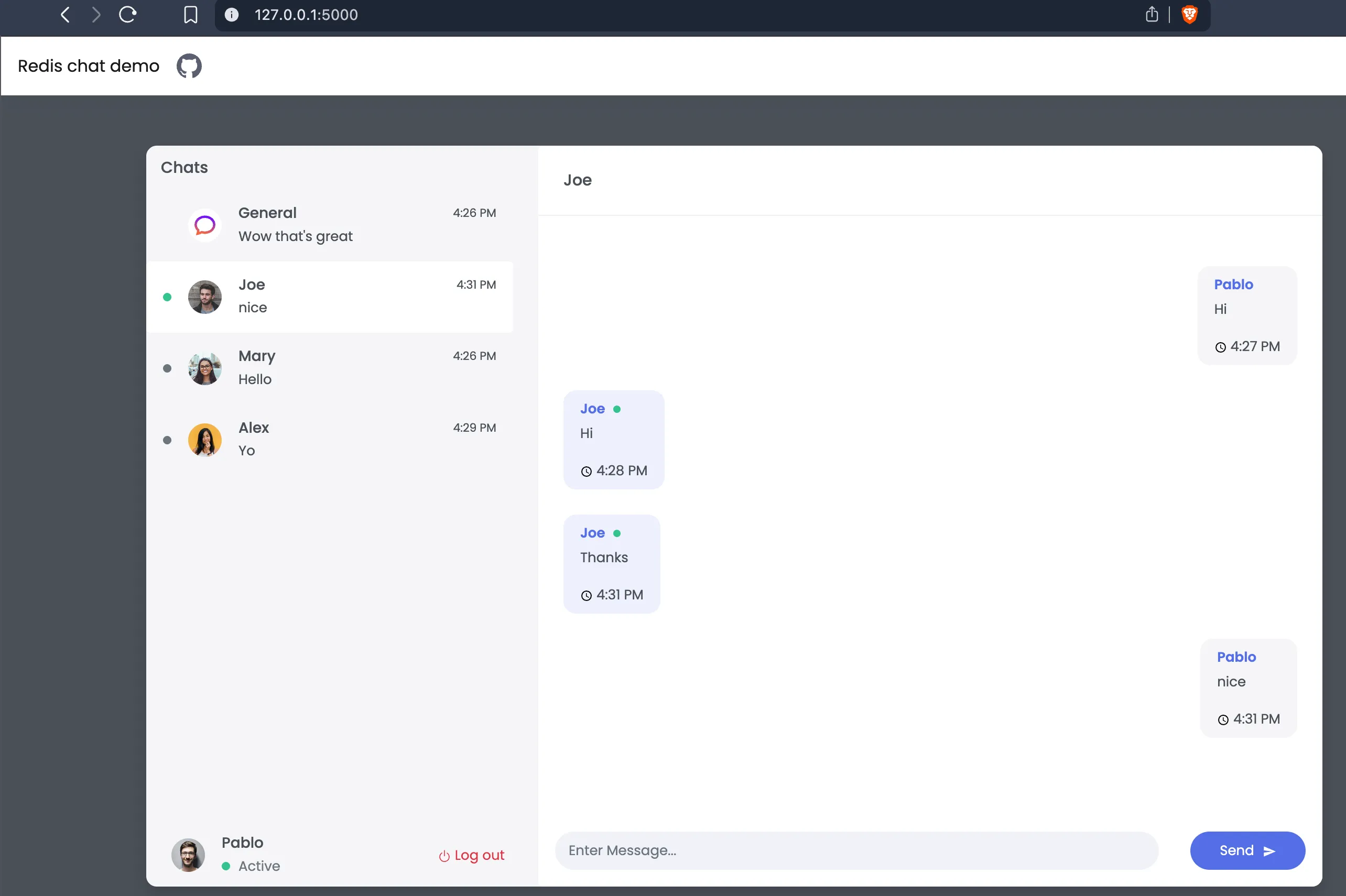
Why did it work?
Let’s look at the chat/config.py code. The app needs to know the address of the Redis database.
redis_endpoint_url = os.environ.get("REDIS_ENDPOINT_URL", "127.0.0.1:6379")This line says: “Look for an environment variable named REDIS_ENDPOINT_URL. If you can’t find one, just use the default value: 127.0.0.1:6379.”
Since we didn’t set that variable, the app connected to 127.0.0.1:6379, where our Redis server is already running.
The app is running. But why is this a bad way to build software?
Problem 1: “It Works On My Machine”
This setup is incredibly fragile. What if your teammate is on Windows? Their Redis install is completely different. What if they have a different version of Python? (Like we did) The app might break.
Problem 2: Dependency Hell
What if you start a new project that needs an older version of Flask? Now you have two projects with conflicting libraries. Virtual environments help, but they’re easy to forget and manage.
Problem 3: Polluting the Host Machine
You now have a Redis server running on your laptop all the time, even when you’re not working on this project. It’s just junk taking up resources.
Problem 4: No Clear Path to Deployment
How do you deploy this to a server? You’d have to SSH in and repeat all these manual steps perfectly. What if you forget to install Redis? The app breaks.
We’ve successfully run our application, but we’ve also created a messy, fragile, and non-portable system. We’ve demonstrated exactly why we need a better approach.
Now we’re ready for Part 2. We’ll solve every single one of these problems by “containerising” our application with Docker. We’ll package the app, the database, and all their dependencies into isolated, portable boxes that can run anywhere.